
MICROSOFT EXCEL
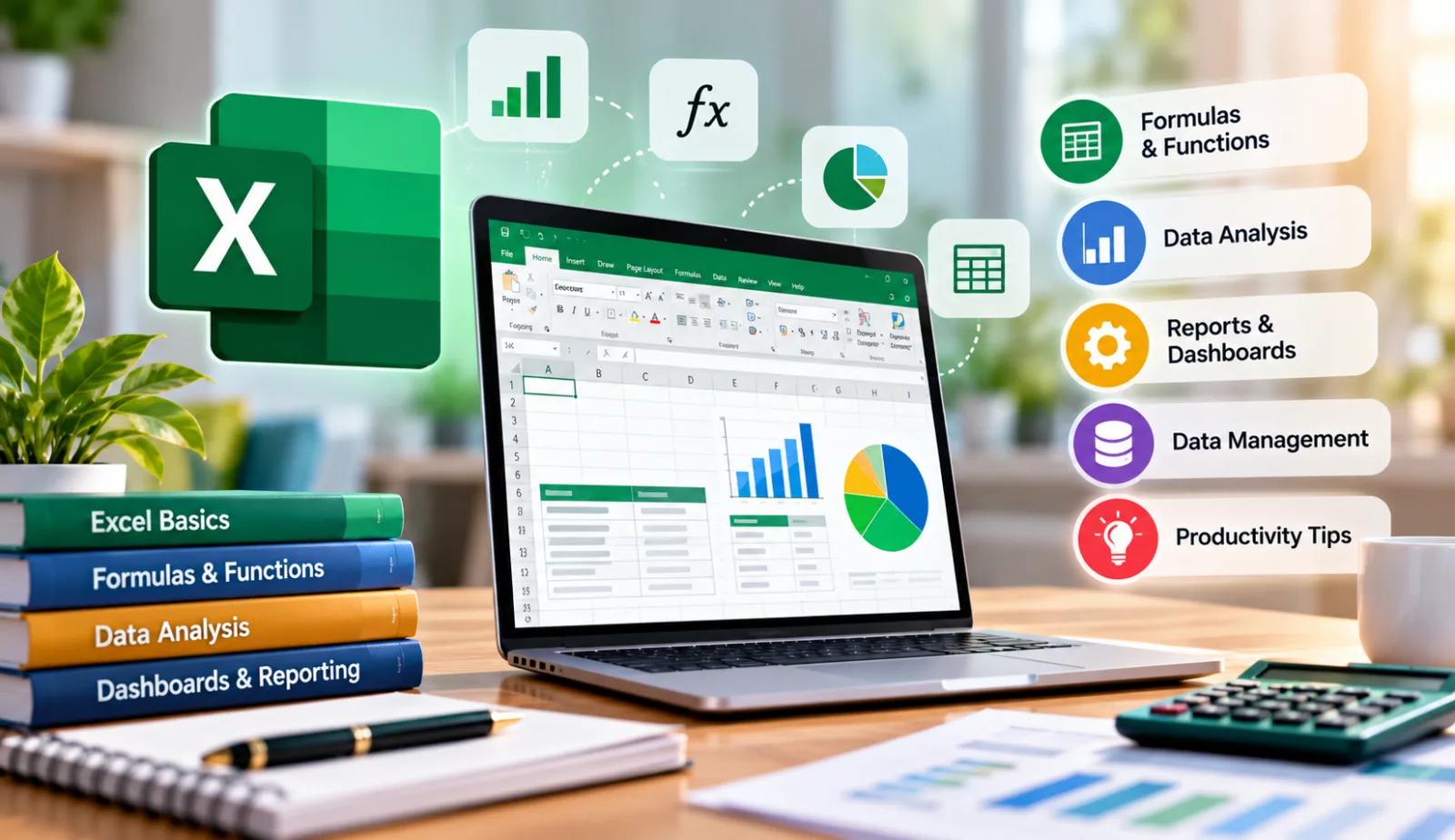
Microsoft Excel is a spreadsheet program where one can record data in the form of tables. So that it is easy to analyse da in an excel spreadsheet is known as Microsoft Excel. Microsoft Excel is a spreadsheet software used for data entry, calculations, analysis, reporting, and visualization through tables, charts, and formulas. Excel is used for organizing, analysing, and visualizing data. It supports tasks like budgeting, reporting, forecasting, and data manipulation using formulas and charts. Excel is a spreadsheet software developed by Microsoft. It is used for data entry, data analysis, calculations, and creating charts Microsoft Excel is a data analytics program that’s been around for over a quarter century. It’s really the main application that people use to calculate and analyse their data in excel in any business settings. Now, the first thing to know about Microsoft Excel is that everything is contained in cells, hence the name Excel.
WHY MICROSOFT EXCEL
Flexibility and Familiarity:
Almost every office professional knows basic spreadsheet functionality. It can be instantly customized for tasks ranging from simple to-do lists to complex financial forecasting.
Data Analysis & Visualization:
Excel makes it easy to manipulate large datasets, create charts, and generate reports, which are critical for decision-making.
Ubiquity & Compatibility:
It is standard in most corporate environments, making it easy to share data across different departments.
Versatility in Functions:
Companies use it for inventory management, HR tracking, project management, and accounting because it is more accessible than dedicated ERP or software solutions.
Low Entry Cost:
As it is often already installed on computers, it saves companies the cost and effort of implementing new software
MICROSOFT ADANCE EXCEL Advanced Excel refers to the expert-level usage of Microsoft Excel, focusing on automation, complex data analysis, and modelling beyond basic data entry and formatting. It includes tools like Pivot Tables, Power Query, and advanced formulas (INDEX/MATCH, XLOOKUP) to handle large datasets, improve efficiency, and create interactive dashboards. Advanced Excel users have the expertise to create complex spreadsheet models, interactive dashboards, and customisable templates that can be used by users with basic and intermediate skills. The next aspect of exploring advanced Excel is knowing more about the skills. Rapid and effective data collection and analysis are required. Advanced MS Excel spreadsheets often exhibit financial data and other information necessary for corporate operations. It might be information for sales, marketing, human resources, or the customer relationship management division. Even though so many corporate duties are now focused on IT and the cloud, Excel continues to be a crucial tool for administration and efficient business management. Excel proficiency falls into one of three categories: basic, intermediate and advanced. It’s essential to determine your current skill level to find out how you can advance your Excel knowledge further.
BENEFITS AND APPLICATIONS
Increased Efficiency:
Automates repetitive tasks, saving time.
Advanced Data Handling:
Capable of processing large volumes of data for reporting.